M999 Withdrawal Issues – Common Problems and Solutions
This guide explains common M999 Withdrawal Issues and the steps users can take to understand them. If you use a payment service such as JazzCash or Easypaisa, checking your transaction details carefully can help you avoid mistakes. However, available payment methods and withdrawal rules may vary depending on the platform.
What Are M999 Game Withdrawal Issues?
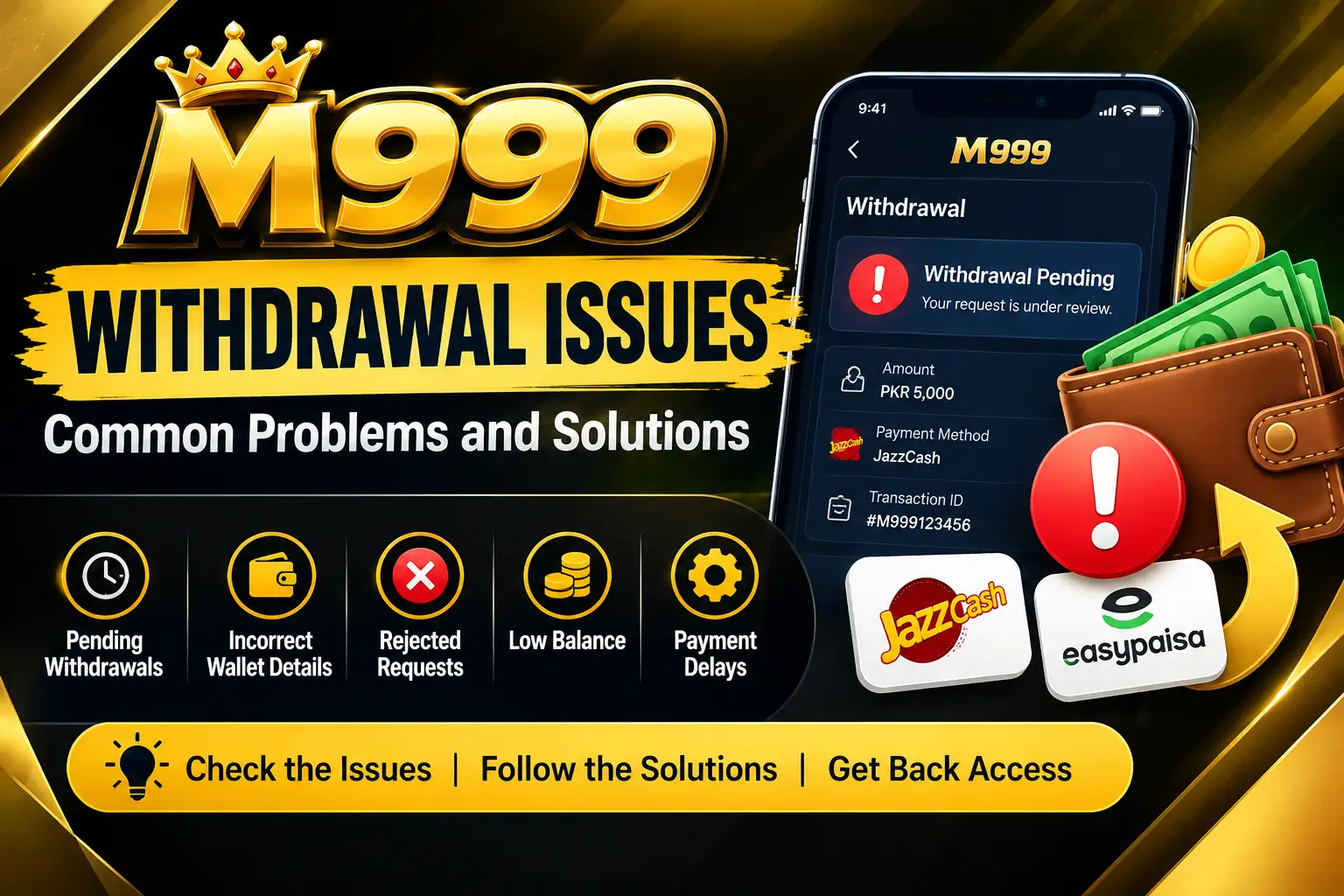
M9999 Withdrawal Issues refer to problems users may experience when trying to transfer an available balance from their account to a supported payment method. A request might remain pending, be rejected, or appear completed in the account while the money has not arrived in the receiving wallet.
Common M999 Withdrawal Problems
Withdrawal Request Is Pending
A pending status means the request has not yet reached a final result. Processing delays, account checks, or payment-service issues may contribute to the wait.
What you can do:
- Open your account and check the withdrawal history.
- Review any estimated processing time shown by the platform.
- Save the transaction reference number, if available.
- Contact official support if the request remains pending beyond the stated period.
Incorrect JazzCash or Easypaisa Details
A typing mistake in a wallet number or account detail may prevent a successful transfer. The available payment methods depend on the platform’s current rules, so confirm which options are officially supported.
What you can do:
- Check the receiving wallet number digit by digit.
- Confirm that the account belongs to the intended recipient.
- Review the details before confirming a new request.
- If the request has already been submitted, contact official support to ask whether it can be corrected.
Withdrawal Request Rejected
A rejected request may indicate that the account does not meet a current requirement. Possible reasons include incorrect information, an unmet withdrawal condition, a verification issue, or a request outside the platform’s stated limits.
What you can do:
- Read the rejection message carefully.
- Check the minimum and maximum withdrawal limits displayed in your account.
- Review any applicable verification requirements.
- Ask support for the specific reason if the message is unclear.
Do not rely on withdrawal limits or rules posted on unrelated websites. Check the instructions available through the service you actually use.
Available Balance Is Too Low
Your displayed account balance may not always be the same as the amount eligible for withdrawal. Some platforms apply transaction requirements, minimum limits, or other conditions before a balance becomes withdrawable.
What you can do:
- Check your available or withdrawable balance.
- Review the current minimum withdrawal amount.
- Read the applicable terms before submitting a request.
- Avoid depositing more money simply to meet a requirement unless you have independently verified the terms and are comfortable with the risk.
Money Has Not Arrived in Your Wallet
Sometimes, an account may show a processed or completed request while the receiving wallet does not display the funds immediately. The payment status should be verified before taking further action.
What you can do:
- Check the wallet’s transaction history.
- Confirm that you selected the correct receiving account.
- Keep the withdrawal receipt and reference number.
- Ask official platform support to confirm the transaction status.
- Contact your wallet provider if the platform confirms that the transfer was sent.
How to Resolve M999 Withdrawal Issues
Follow these steps to investigate a withdrawal problem carefully:
Step 1: Sign in to your account. Use the usual official access method and avoid links sent by unknown people.
Step 2: Open withdrawal history. Find the affected request and note whether it is pending, rejected, processing, or completed.
Step 3: Check your account details. Review the receiving wallet information and any verification notices.
Step 4: Read the withdrawal conditions. Confirm the current limits, eligible balance, and other requirements shown by the platform.
Step 5: Contact official support. Explain the issue clearly and provide the transaction reference, date, amount, and status where appropriate. Do not include your password or PIN.
Step 6: Keep a record. Save relevant messages and transaction details so you can follow up without submitting duplicate requests.
Tips to Avoid Future Withdrawal Problems
- Double-check wallet details before confirming a transaction.
- Read the current withdrawal rules before submitting a request.
- Keep your account information accurate.
- Use only payment methods officially supported by the platform.
- Save transaction receipts and reference numbers.
- Do not share passwords, PINs, or OTPs.
- Avoid repeated withdrawal requests while an earlier one is unresolved.
- Be cautious of anyone promising guaranteed payments in exchange for an extra deposit.
- Contact official support through a verified channel.
- Check the laws and rules that apply to real-money gaming in your location.
Conclusion
M9999 Withdrawal Issues may involve pending requests, incorrect payment details, account verification, balance requirements, or delays between services. The best first step is to check your withdrawal history and identify the exact status of the transaction.
Review the current rules, keep your transaction records, and contact official support when the reason is unclear. Payment methods, limits, and processing times can change, so verify them through the platform you use. Be cautious of demands for extra deposits or requests for confidential account details.
Frequently Asked Questions
Your request may still be processing or may require an account or payment check. Review its status and follow the processing instructions shown by the platform.
That depends on the payment options currently supported by the specific platform. Check your account’s withdrawal section before submitting a request.
Use a support channel that you can verify through the platform itself. Provide the relevant transaction details, but never disclose your password, wallet PIN, or OTP